
Fundraising
How to Find Corporate Sponsors on LinkedIn for Your Nonprofit
LinkedIn Lets You Go Find Sponsors
Most social platforms reward whoever attracts attention. You post, people follow, and eventually someone reaches out. Randy Molland, who joined Trevor Nelson and Sandy on the Hey Nonprofits! LIVE webinar series, says LinkedIn works differently for fundraisers because you can go find people. You can search for the exact kind of business owner you want to reach, and you can send them a personal note.
Randy calls it outbound instead of inbound. You don't have to create viral content or build an audience first. Trevor added that he views LinkedIn as a professional network and not really as social media, and that the platform rewards you for being friendly and curious. This guide covers the search side of what Randy taught: how to find the people who are most likely to care about your mission. A companion piece covers the profile and the message you send once you've found them.
Why So Few Nonprofits Are There
Randy's explanation starts with his mom, whom he loves and who is not on LinkedIn. She's on Instagram, Facebook and TikTok, like most everyday users, and she isn't going to be a corporate partner. The people you want in front of, owners and executives, are on LinkedIn. He cited research from his own team showing that nearly every nonprofit is on Facebook or Instagram, while far fewer are on LinkedIn, and only a fraction of those are active. We can't verify those numbers, but the direction matches what the hosts see: Trevor shared a viewer comment in the chat about how few nonprofit people are on the platform, and his own response was that it means there's nowhere to go but up.
Randy also pointed out why the platform stays quiet. When he first used it, he thought it was the worst platform he'd ever seen: clunky, and it looks like Windows 95. He now sees that as a feature. Most people are drawn to images, endless scrolling and viral content, so they don't spend hours on LinkedIn. That leaves room for a nonprofit that simply shows up and talks to people.
Start With the Interest, Not the Industry
The most useful idea in the webinar is also the simplest. Don't search for businesses that give to charity. Search for people who care about what you do. Randy gave several examples from nonprofits he coached.
One client works in a hybrid model: a for-profit business in the fishing industry that directs its profits toward ending child sex trafficking. Randy used it as a deliberately hard example, because there's no obvious alignment between the two. The solution was to go where the client's own industry is. They searched for fishing charters, looked for owners and founders in areas they wanted to reach, and sent a short note along the lines of: I saw you in the fishing industry, I love connecting with other passionate people who care about conservation, and I'd love to connect. According to Randy, that client is now connected to five or six fishing lodges, is launching a fishing show, and was offered a six-day lodge stay valued at roughly $15,000 to promote the nonprofit.
Another client works to protect coral reefs. Randy said that was the hardest one he did when he was starting out. The team asked who wants coral reefs to survive, and the list grew: scuba diving companies, tourism operators, whale-watching tours, and then researchers studying water temperature and marine biologists. Randy said they found about 300 people who love coral reefs, any of whom might want to have a conversation.
Mini takeaway: Don't ask who donates. Ask who cares about the thing you do, and then search for them.
How the Search Works
Randy shared his screen to show the mechanics, and the steps are easy to copy. Type your topic into the search bar, for example fishing charters, and look at the posts first. People who write or comment on posts about your topic are interested in it, even if their job has nothing to do with it. In Randy's demo, one person commenting on a fishing post turned out to work in investment management. He called that a fluke, and a perfectly good person to message.
Next, switch to the people tab. You can add a location, and use the title filter to narrow to founder, CEO or owner, which Randy called the biggest cheat code on the platform. The results show owners of companies related to your topic, and you can read their profiles to find something you have in common. He also showed that you can filter to first and second connections, or search for people connected to someone you know. If someone is connected to Trevor, for instance, a message that says you noticed the connection and ask whether they know him personally reads as human, not as a template.
A second demo from the follow-up webinar shows how this works for a cause. For a nonprofit that supports cancer survivors, Randy searched the phrase cancer survivor on the people tab, set the location to the United States, and then filtered to CEOs and founders. The result was a list of business leaders who personally relate to the mission. Searching on the way a person describes themselves can be a better approach than searching on their industry.
Ask Who Else Understands the Pain
A common objection came up in the Q&A: my cause doesn't have fun keywords like coral reefs or fishing charters. A viewer working with a healthcare nonprofit focused on research, advocacy and care, asked what she could search for. Randy said he gets that objection all the time. In a recent training cohort, 19 of 20 people told him it works for everyone else but not for them. We all have blinders on, he said.
His method is to ask questions. Who buys products in your sector? Who uses them? Who is one step removed from your industry and also understands the pain? He gave the example of a client who helps seniors with Medicare and health aid. Senior homes were the obvious search, but too easy. Instead they asked who cleans the homes and talks to residents every day, which lawyers work with families putting a parent into care, and which real estate investors operate in senior housing. Those people understand the problems and the price pressure. For a healthcare organization, Randy suggested starting with a company that sells scrubs: they know the problem you're describing.
The best example was a pet-focused nonprofit that supports early cancer detection for pets. Calling a vet clinic with the request to help save pets is something a clinic can't really say no to. Randy said the client asks: have you ever had a patient come through that you wished had gotten an extra day with their owner because the cancer wasn't caught early? Every clinic knows that feeling. A walks event for dogs followed, with vet clinics bringing their communities, and the client now works with around 15 organizations, searching for clinics in an area and sending 20 or 30 messages at a time. A pet supply company donated 2,000 treat bags to sell, and Randy said the client expects to make about $30,000 from that one partnership. Those are Randy's figures for his own client, so treat them as an example, not a benchmark.
Mini takeaway: Find a niche, triple down on it, and ask a question the person can't really say no to because they feel the same pain you do.
What About Premium and Sales Navigator?
A viewer asked whether LinkedIn Premium is worth it. Randy said no. In his view, all premium really gives you is InMail, messages to people you aren't connected to, and he'd rather not land in a stranger's inbox without permission. If you plan to search heavily, he recommends Sales Navigator instead. It includes the perks of premium and adds deeper search by company size, headcount, company type, geography and industry. You can also see who has posted recently, which tells you who is active. At the time of the webinar, Randy said nonprofits could get a discounted rate of around $30 a month, compared with $110 to $130 for a business.
He also made a broader point about nonprofit discounts. Search for the name of any tool plus the words for nonprofits, and you'll often find a discount you didn't know about, whether that's a design tool, an AI assistant or your CRM. Randy said he regularly looks up the discount for his clients and saves them around $100 a month. Prices change, so check LinkedIn's current nonprofit rates before you budget.
Relationships Beat One-Time Donors
Randy closed the first webinar with a story that explains why he cares about the relationship over the ask. He supported a local nonprofit that provides sports opportunities for kids. He wasn't a major donor, but they kept him on their list, checked in every few months and commented on his posts. When a friend asked him for a recommendation of a sports nonprofit for an event, he named them without hesitation. By Randy's account, that introduction led to a first event that raised $120,000 and a sponsorship that grew past $550,000 over five years, and later to a real estate agent who donates a percentage of his commissions to the organization. Randy estimates he's helped that nonprofit raise more than a million dollars through the relationship.
His point, in his words, was that he didn't need Trevor to donate. He needed Trevor to know who he is and what he does, so that when the next person in Trevor's network wants to do more good, he's the obvious choice. A thousand-person network is a lot of introductions.
Try This This Week
Pick one niche connected to your cause, and write down three kinds of people who understand the problem. Search each one, filter by title, and save a list of 20 people whose profiles show something you could mention. Then send a handful of personal notes, each referencing something real about that person. That's the first step. If you're ready for the profile and messaging details, that's what the second webinar covers.
Insights in this article are drawn from the Hey Nonprofits! LIVE webinar “Master LinkedIn for Nonprofits”, featuring Randy Molland.
About the author
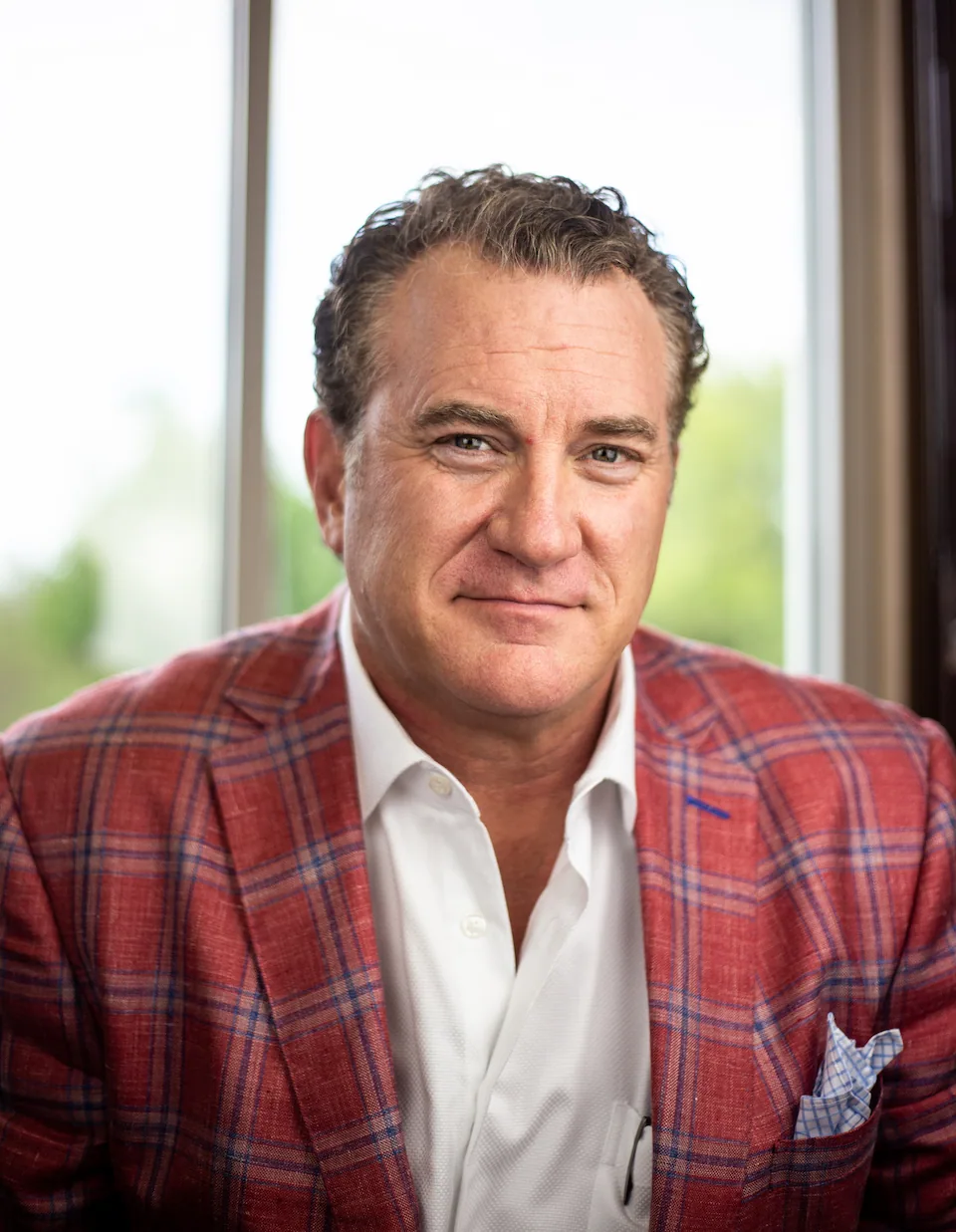
Jason Ledlow
Chief Executive Officer and Co-Founder
Jason has over 30 years helping nonprofits raise money and coaches multiple nonprofit leaders each week.
You Might Also Like
Corporate Sponsorship for Nonprofits: Why Sponsors Go Quiet
Most nonprofits propose marriage on the first date with corporate sponsors — pitching for dollars before there's even a relationship. Growth Owl founder Lori Zoss Kraska breaks dow
Read articleWhat If You Don't Know Any Wealthy Donors? How Nonprofits Can Find New Fundraising Prospects
Think you don't know anyone with money to support your nonprofit? Learn how to identify ideal donor prospects, tap into existing networks, and build a stronger fundraising pipeline
Read articleBook a free session with our CEO.
Calculate what your next fundraiser could raise.
Talk with our team about your next event.